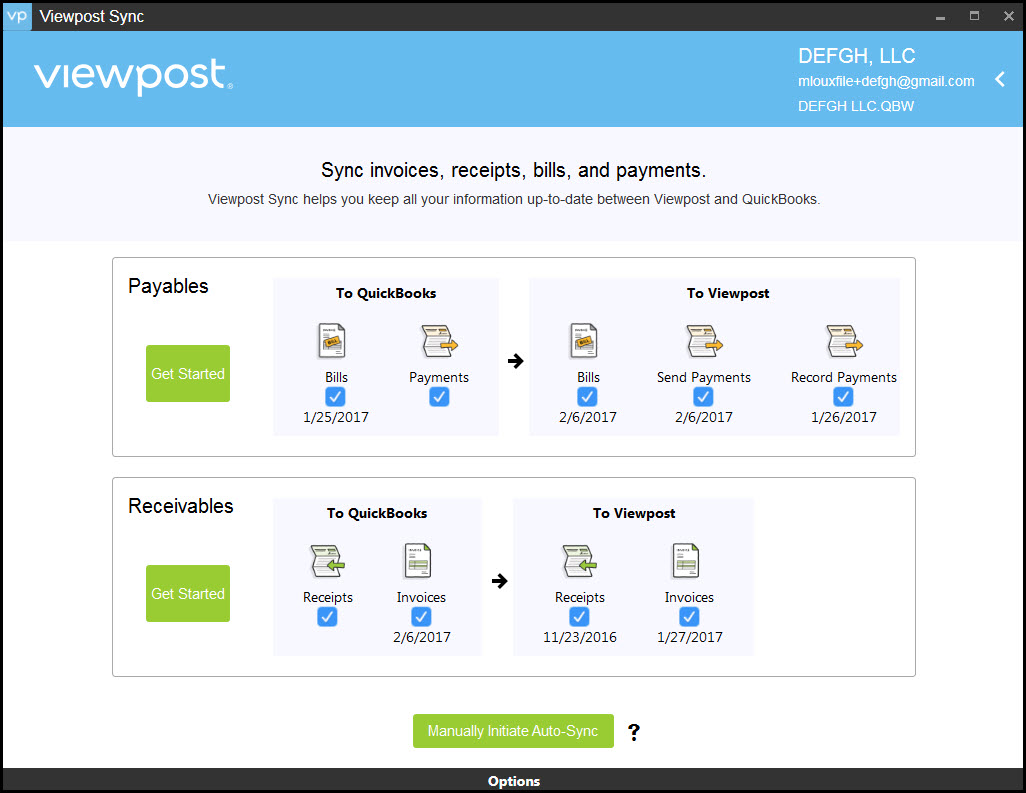
Users are presented with a Basic View by default after logging in to the QuickBooks Desktop sync agent. The user can switch to the Advanced View in the sync agent Settings.
| FEATURE | BASIC | ADVANCED |
| Clean, easy-to-use interface | X | |
| Customizable Auto-Sync | X | X |
| Ability to sync each transaction type individually | X | |
| Ability to select which expense account to sync bills to | X | |
| Ability to sync bills from QuickBooks to Viewpost | X | |
| Ability to sync receivable invoices from Viewpost to QuickBooks | X | |
BASIC VIEW
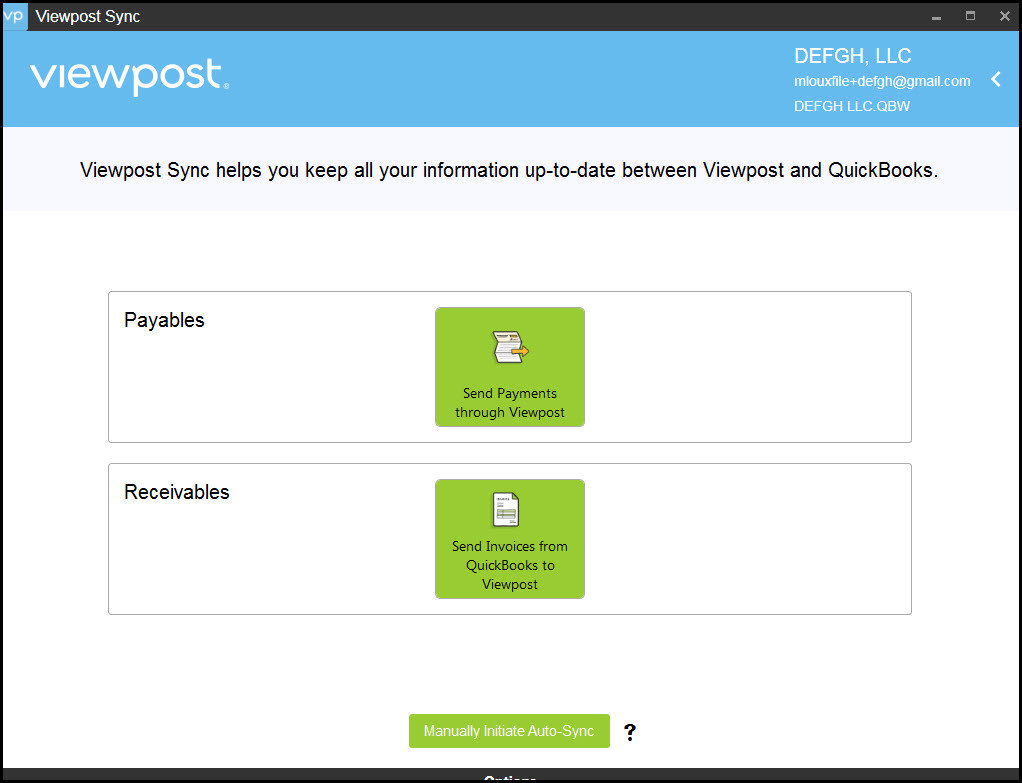
ADVANCED VIEW